
Security & development
Your laptop is already logged into the good stuff.
Project secrets, saved sessions and AI credentials make a compromised developer's computer a problem that can reach well beyond the computer.
Join the discussion →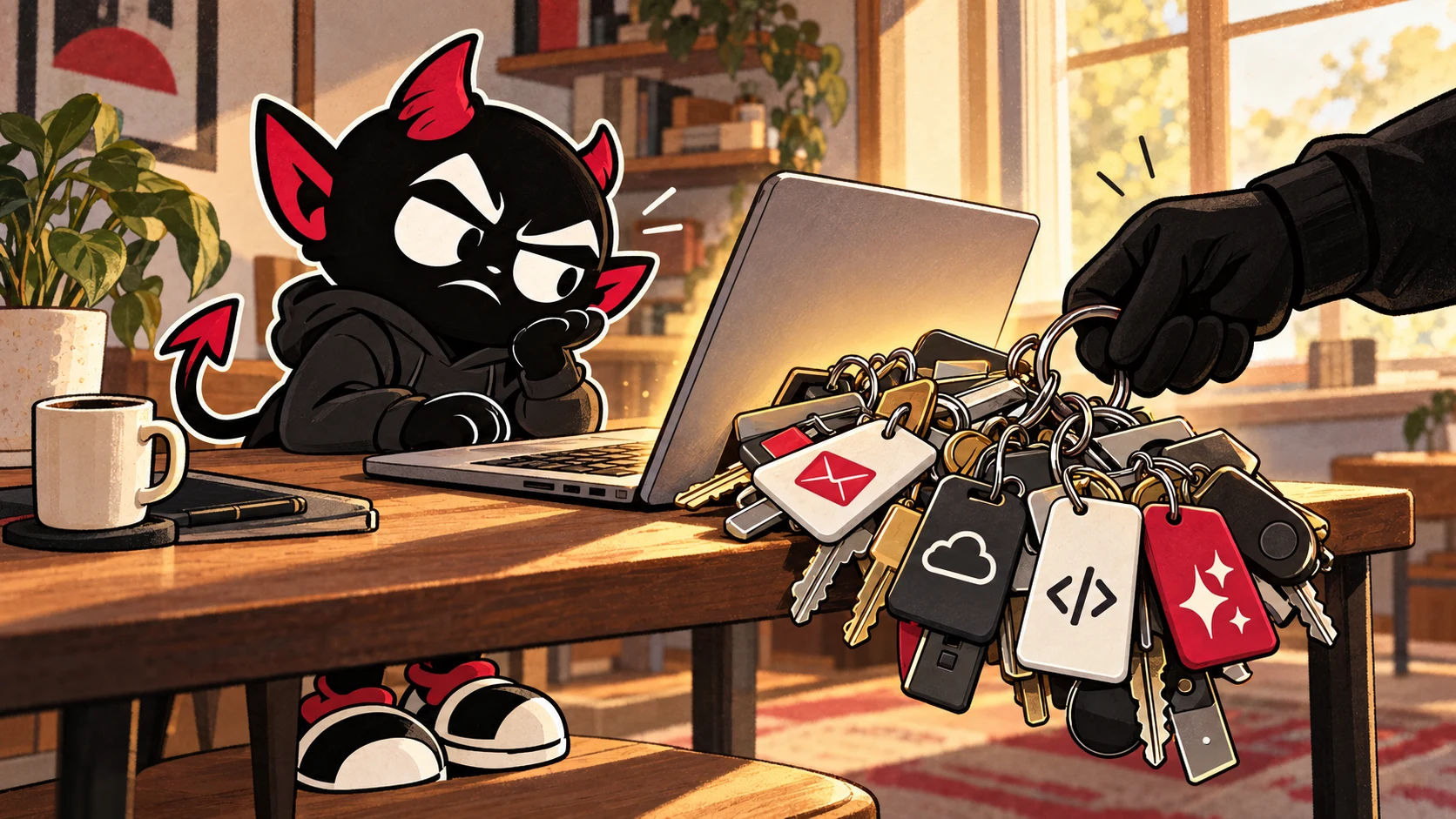
With all the recent security incidents, I keep coming back to the machine sitting in front of the developer.
Imagine what could be on it. A project with a local .env file. A command-line tool authenticated to a cloud account. Access to source control. A browser with email open. Now add the AI tools, their saved logins, and whatever services we've connected to them so they can get useful work done.
Getting that setup working feels productive. Working out what else could use it is a less enjoyable afternoon.
I'm asking what an attacker could reach if they got malicious code running on that machine. If the answer includes the business and its customers, personal computer security deserves a place in the business's security plan. The machine doesn't become a less important part of that plan because it also has your holiday photos on it.
The AI credentials are already on the shopping list
On October 15, Symantec's Threat Hunter Team reported that newer Aoki infostealer samples collected credential and session files for AI coding assistants, including Claude, Codex, Cursor and Gemini. The researchers also described targets such as .env files and AWS credentials. These were additions to a much broader theft operation, not evidence that the AI providers themselves had been breached. Symantec's Aoki analysis
SpyCloud's October 30 research examined recovered WardenStealer and Aoki logs containing AI-tool authentication material and configuration files. Its examples included access and refresh tokens and credentials for connected tools. The samples described were Windows malware; this report doesn't establish that those same samples infect Macs. SpyCloud's research
The distinction I care about is that these are things stolen from an infected computer. Calling them AI credentials doesn't make the theft futuristic. Someone has added more useful files to the collection.
There's money in the access itself. Sysdig has documented attackers abusing and reselling access to paid AI services through compromised credentials. An attacker doesn't have to find your application's customer database to leave you with a problem. Running up somebody else's inference bill is a business model too. Sysdig on LLMjacking
That doesn't make every stolen AI token a master key to your company. Its usefulness depends on its permissions, validity and the service accepting it. A token for paid model calls and a cloud administrator credential are different things. Keeping them on the same compromised machine is where several separate problems can arrive together.
The .env file was never a vault
A local .env file is a convenient way to supply configuration to an application. If it contains plaintext secrets and a malicious process can read the file, the secrets are readable too. Naming it .env.local doesn't add an access boundary. Neither does putting it in .gitignore. That normally keeps an otherwise untracked file out of Git's staging process; it doesn't tell malware to respect your development workflow. What gitignore actually does
And arbitrary code execution doesn't always have to mean complete administrator control. Code running with your user's permissions may be able to read the same project files your editor reads. OS protections and credential stores can put other material behind additional barriers. The details matter, but "it didn't ask for an administrator password" would not be enough reassurance for me.
I also wouldn't confuse two different threats. A prompt injection can try to get an AI agent to misuse the tools available to it. Malware already executing on the host can attempt to read files directly, without asking the agent anything. A well-behaved model doesn't compensate for a compromised operating environment. Anthropic's containment guidance makes this distinction between model behavior and enforced access boundaries. Anthropic on containing agents
The old incident can leave working keys behind
There's a useful example from before this month's reports. In December 2025, Wiz examined credentials exposed during the Shai-Hulud 2.0 supply-chain incident. Its December 28 snapshot found more than 200 AI API keys still valid, alongside hundreds of long-lived cloud keys, about a month after the main outbreak. That's historical research, not a current count. Wiz's December 2025 analysis
Uninstalling the thing that stole a credential doesn't revoke the copy someone already took. That is an unpleasant amount of follow-up work to discover after you've congratulated yourself on cleaning up the machine.
Changing a password may not revoke every API key or existing session either. Services handle that differently. SpyCloud's report specifically warns about stolen session and token material surviving the protections associated with a fresh password login. Recovery needs to account for the credentials actually exposed, not just the password people remember having typed.
What I would want to change before something happens
Start with what development actually needs. A local test application shouldn't need credentials that can read live customer data or administer the entire production account. If a tool only needs to read a repository, giving it write access is a choice with consequences. Separate development from production and remove permissions nobody is using.
Where supported, use temporary credentials instead of permanent keys sitting around indefinitely. AWS recommends temporary credentials for people and workloads, alongside least-privilege access. Temporary access can still be abused while valid; expiration reduces how long a stolen credential remains useful. AWS identity guidance
A secrets manager can help control storage, retrieval and rotation. It doesn't make a compromised client safe if that client can simply request the secret. I'd want to know which identity can retrieve it, what that identity can reach, and whether the credential needs to enter the local environment at all. OWASP's guidance treats those access decisions, auditing and credential lifecycles as part of the job. OWASP secrets-management guidance
For unfamiliar code or tools, isolation needs to mean something. A disposable environment loaded with your home directory, production credentials and unrestricted host access has brought the valuable parts along for the experiment. Give it the files and network access it needs, and keep unrelated credentials outside. Anthropic describes this approach to containing agents; it is useful because an enforced boundary doesn't depend on the model deciding to behave itself.
Keep the machine and its software updated, use maintained endpoint protection appropriate to it, and be selective about installers, extensions and commands copied from the internet. None of that earns permission to leave unrestricted production keys everywhere. Prevention and limiting the consequences need to happen together.
Have an answer for the morning after
If compromise is suspected, I'd want the response to include isolating the affected machine, involving the people responsible for incident response, and using a separate trusted device to revoke exposed credentials and sessions. Review cloud, source-control, deployment and AI usage for actions you didn't authorize. Rebuild or remediate the endpoint according to the incident findings before treating it as trustworthy again. OWASP's guidance covers prompt revocation of potentially compromised secrets, rotation and the audit records needed to investigate their use.
For a solo developer, the awkward part is that the person discovering the incident, running the business and answering worried customers might all be you. That's a good reason to keep a record of which services have credentials on the machine and how to revoke them before you need it in a hurry.
I like making development easier. I use AI because it helps me get work done. But every saved login and new connection deserves the same question: what could use this access if the machine stopped being under my control?
I'd rather spend some time narrowing that answer now than explain to a customer why their data was reachable from a tool I installed to save myself twenty minutes.